


If you’ve been hunting for the Sportuna App and ended up lost between browser tabs and confusing instructions — you’re in the right place. This guide covers everything from finding the file to fixing stubborn install errors, all in plain language.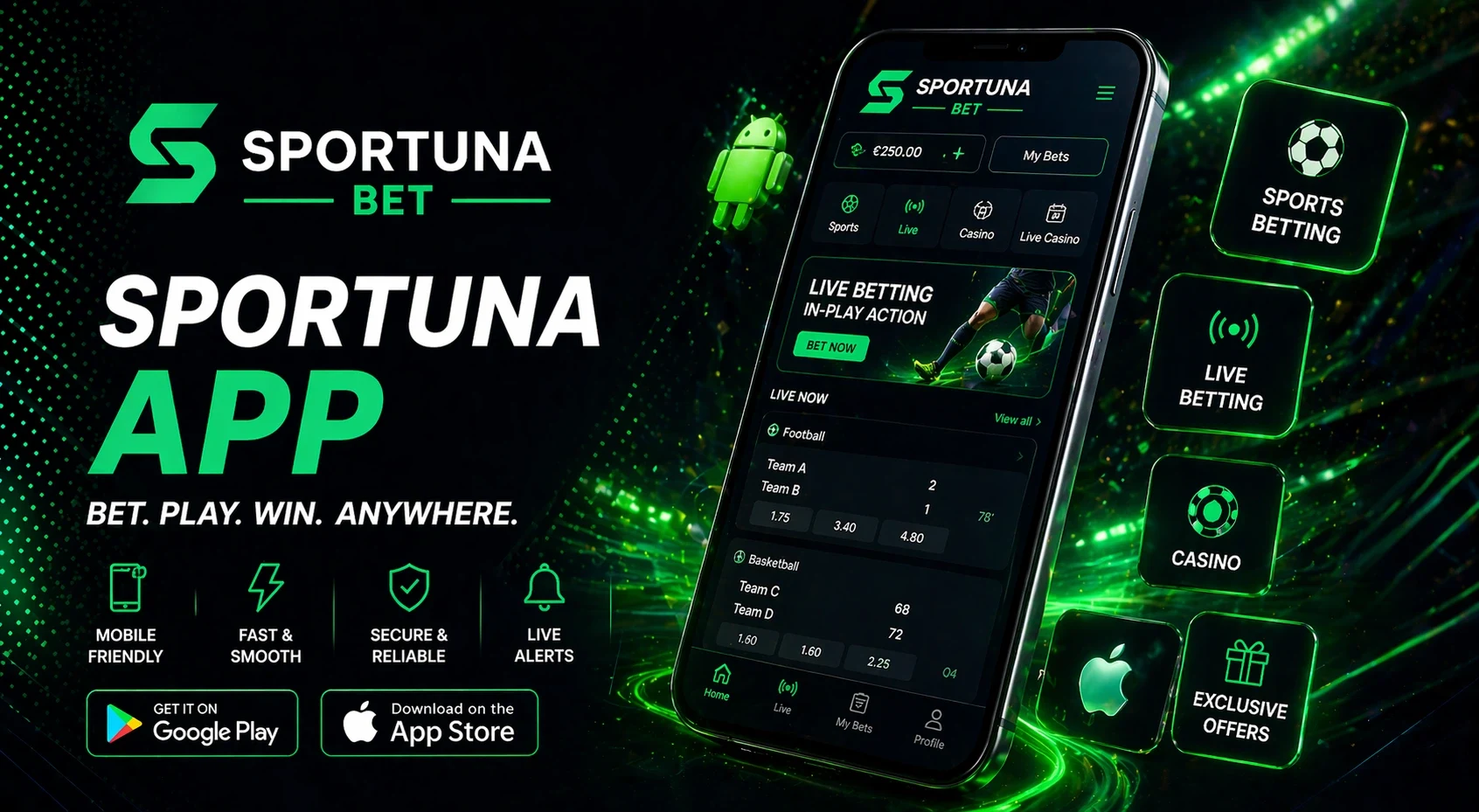 Quick facts before we dive in:
- The sportuna app is available for Android as a direct APK download
- iOS users aren’t left out — there’s a solid mobile web option
- Installation takes under two minutes if you know the steps
- The app loads faster and feels smoother than a browser tab
| Question | What You’ll Find Here |
|---|---|
| Where to get the app | Official download source and what to check |
| How to install on Android | Step-by-step with permission settings |
| What about iPhone? | iOS-specific options explained |
| App vs mobile site | Clear comparison to help you choose |
| Features inside the app | Navigation, account tools, live sections |
| Troubleshooting | Fixes for common install and launch issues |
| Staying safe | How to avoid sketchy third-party files |
So, Where Does the Download Actually Live?
This is the part most guides skip over too fast. The Sportuna App isn’t listed on the Google Play Store — it’s distributed directly from the official Sportuna website, which is completely normal for platforms of this type.
Here’s how the download process works:
One thing worth knowing: your phone may ask whether you trust the source. That’s normal. Just make sure you’re downloading from the real Sportuna domain, not a mirror site.
Android Installation: Slower Than You Think, Faster Than You Fear
Once you’ve got the file, installing the Sportuna App on Android is straightforward — but there’s one extra step that catches people off guard.
Step-by-step installation:
- Tap the downloaded APK file in your file manager or notification bar
- If prompted, go to Settings → Security and enable “Install unknown apps” for your browser or file manager
- Return to the APK and tap Install
- Wait for the progress bar to complete (usually 10–20 seconds)
- Tap Open — you’re in
| Step | What Happens |
|---|---|
| Tap APK | Android asks for install permission |
| Enable unknown sources | One-time toggle in security settings |
| Install | System unpacks and installs the app |
| Open | App launches, ready to log in or register |
The “unknown sources” toggle sounds scary but it’s just Android’s default caution around apps outside the Play Store. Once you’ve installed the sportuna app, you can turn it back off if you prefer.
iPhone Users: Here’s the Honest Picture
Let’s be straight about this: there’s no dedicated iOS App Store listing for the Sportuna App at the moment. Apple’s restrictions on third-party APK-style installs make that complicated for many platforms.
What iPhone users do get is a fully optimized mobile website that behaves a lot like an app — it loads fast, fits your screen well, and covers all core features. You can even add it to your home screen via Safari’s “Add to Home Screen” option, which gives you a shortcut icon that looks and feels close to the real thing.
It’s not identical to having a native app, but it’s genuinely functional and doesn’t require any workarounds.
App vs. Mobile Site: Which One Should You Actually Use?
Plenty of people just use the browser and never bother downloading anything. That works fine — but there are real differences worth knowing about.
| Feature | Sportuna App | Mobile Website |
|---|---|---|
| Load speed | Faster, cached locally | Depends on connection |
| Navigation | Purpose-built layout | Browser-constrained |
| Notifications | Supported | Not available |
| Storage needed | ~25–30MB | None |
| Updates | Manual or auto-update | Always current |
| Home screen access | Direct icon | Bookmark only |
For casual users, the mobile site is perfectly fine. But if you’re using Sportuna regularly — especially for live sections — the Sportuna App gives you a noticeably smoother experience.
What’s Actually Inside the App?
Once you’re in, the Sportuna App gives you access to the full platform — not a stripped-down version. Here’s what you’ll find:
⚽ Sports Betting
Full Markets & Live Odds
Complete match tracking and in-play options at your fingertips.
🎰 Casino & Slots
Desktop Library
Access the same massive collection of games on your mobile.
👤 Management
Account & Funds
Easy deposits, withdrawals, and bonus tracking in one place.
🔥 Live Mode
Real-Time Events
Bet on active matches with dynamic odds updates.
🎁 Promotions
Current Offers
View and activate bonuses directly from the home screen.
🎧 Support Access
Integrated Help
Live chat and contact options without leaving the app.
The interface is designed for thumbs, not mouse clicks. Menus are compact, the most-used sections are front and center, and switching between sports and casino takes one tap.
When the App Refuses to Cooperate
Sometimes things don’t go smoothly. Here are the most common issues and what actually fixes them:
Common problems and solutions:
- APK won’t download — Check that you’re on the official site; try switching from Wi-Fi to mobile data or vice versa
- “App not installed” error — Delete any previous version of the app before installing the new one; conflicting files cause this
- App crashes on launch — Restart your phone, then try again; if it persists, re-download the APK fresh
- Screen looks broken or blank — Clear the app cache in your phone’s app settings
- Can’t find the install option — Make sure “Install unknown apps” is enabled for the browser you used to download
Most install problems trace back to either an incomplete download or a leftover old version sitting on the device.
A Few Words on Downloading Safely
This part matters more than most people think. Because the Sportuna App isn’t on an official store, fake or tampered APK files do exist on third-party sites — and they can be a real problem.
Safe download checklist:
✅
Official URL
Always download from the official Sportuna website only
🔍
Domain Check
Double-check the domain in your browser bar before tapping
🚫
No Mirrors
Never use APK mirror sites, Telegram bots, or unofficial pages
🛡️
Antivirus
If flagged by your phone’s antivirus, delete it immediately
⚖️
File Size
Check size — if under 5MB or over 100MB, something’s off
| Risk | How to Avoid It |
|---|---|
| Fake APK with malware | Only download from official domain |
| Outdated version | Re-download directly from the site when updating |
| Phishing page | Verify URL before downloading anything |
The official file is safe. The risk comes from everywhere else — so keep it simple and keep it direct.